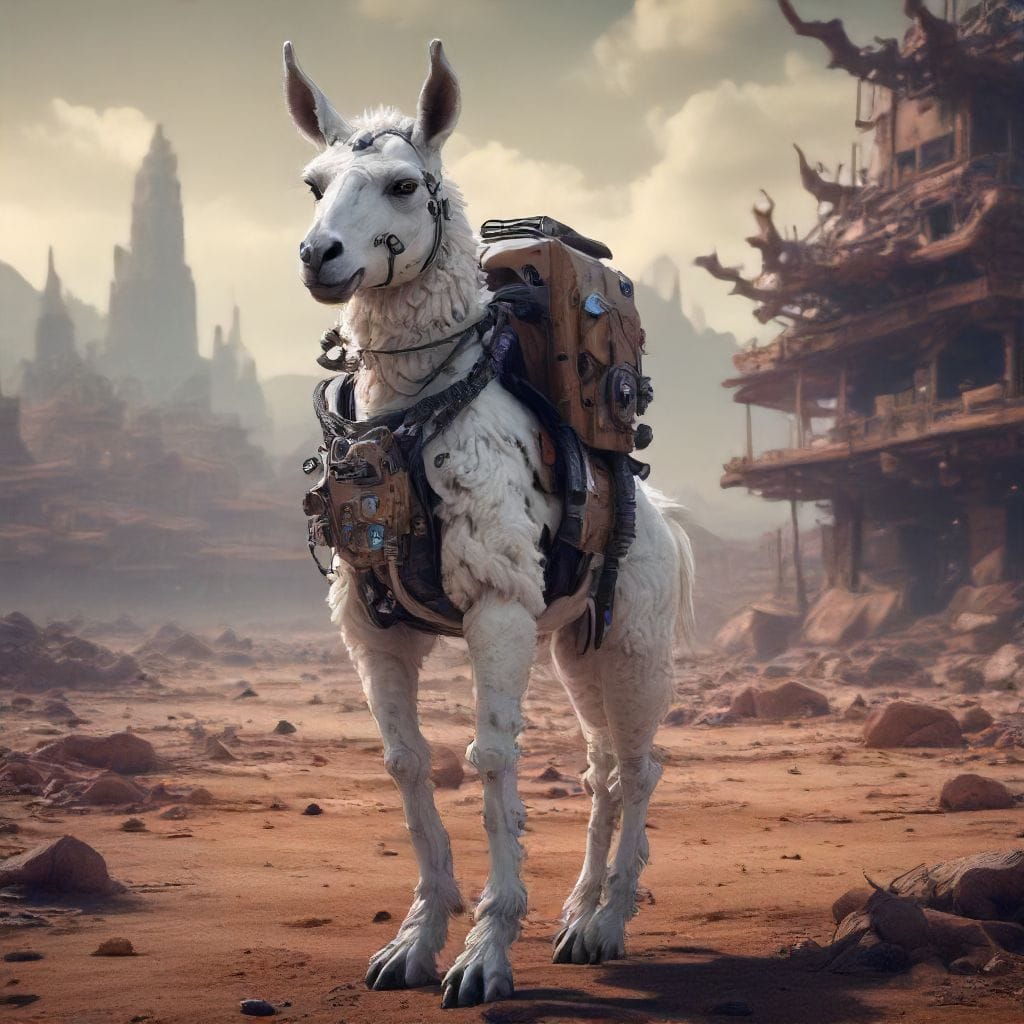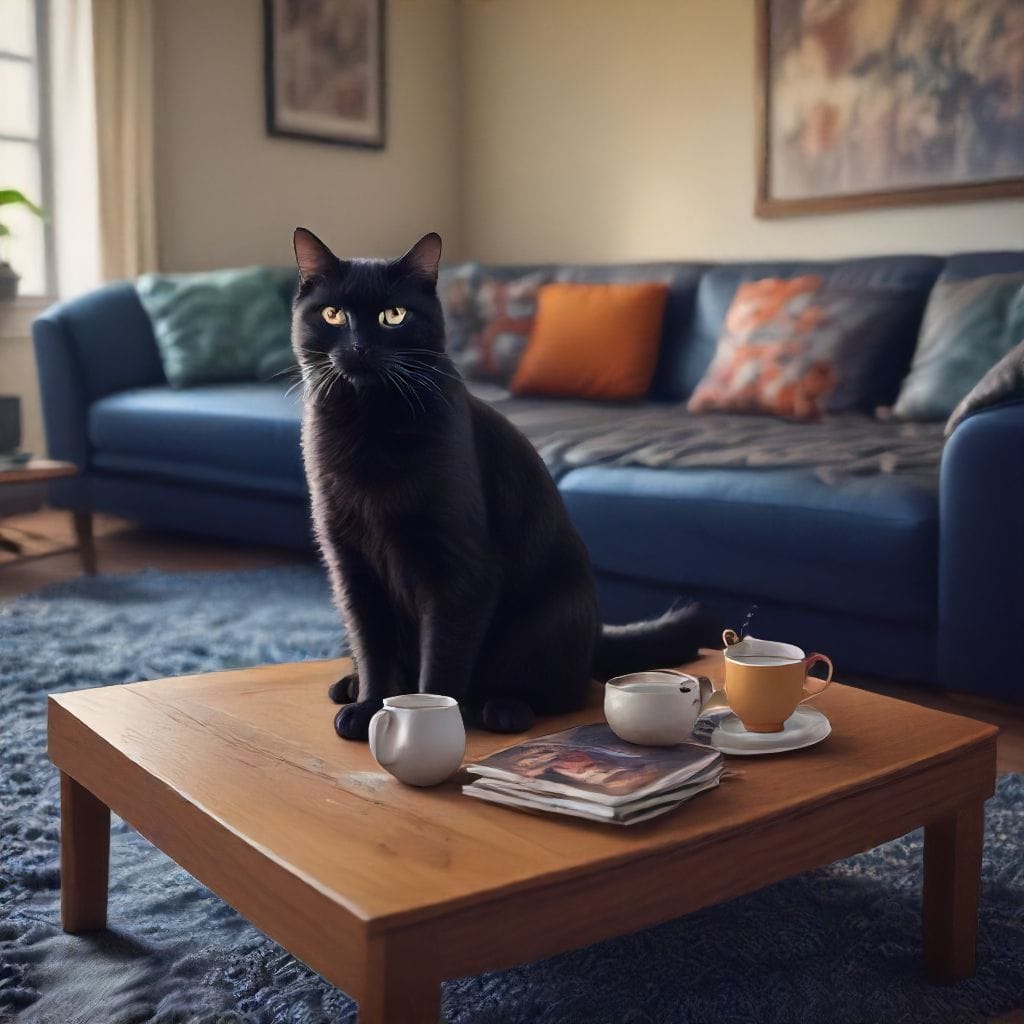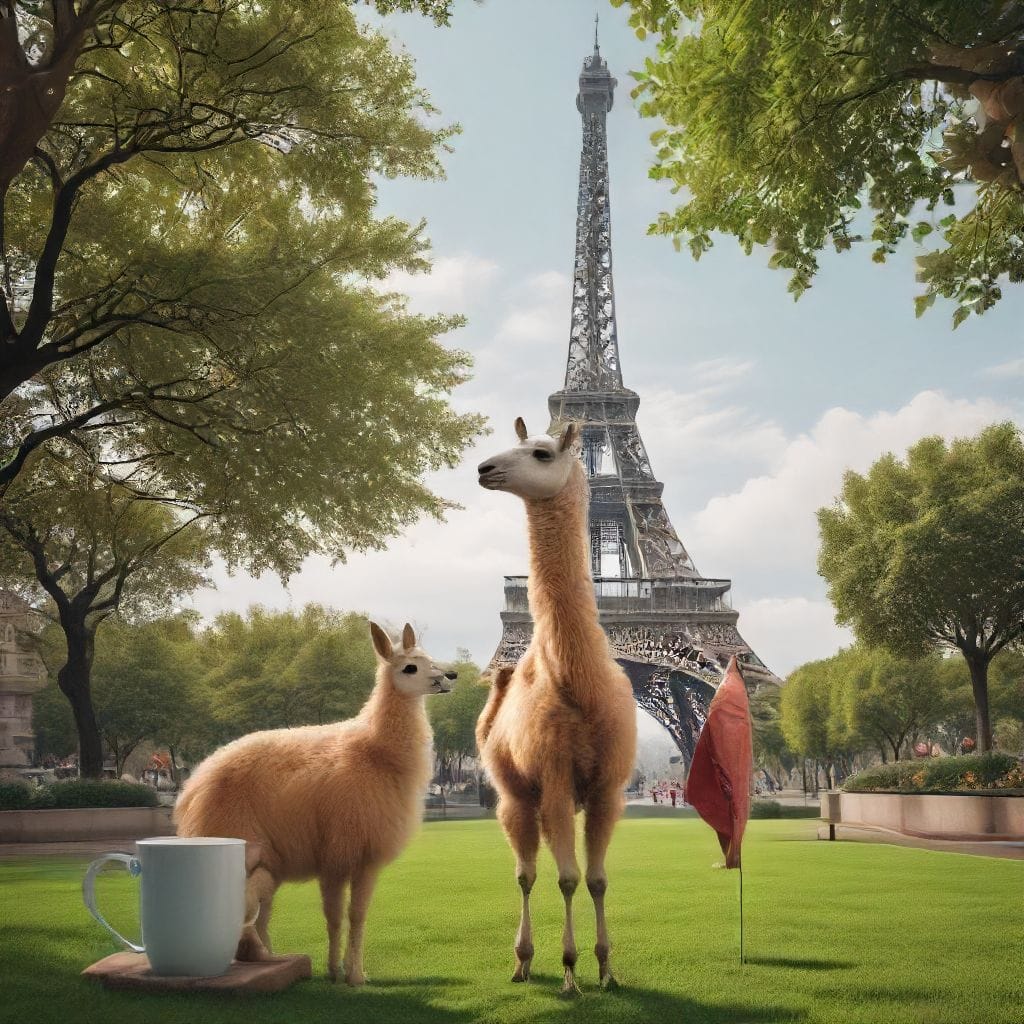
In the rapidly advancing field of AI, Stable Diffusion has emerged as a standout model for generating high-quality, text-to-image visuals. Whether you’re an artist, developer, marketer, or hobbyist, Stable Diffusion offers a flexible toolset to create everything from photorealistic landscapes to abstract art based on simple text prompts. With multiple versions available—such as 1.4, 1.5, 2.1, and XL—Stable Diffusion has evolved, offering improvements in image quality, speed, and complexity handling.
In this blog, we’ll explore the strengths, challenges, and practical applications of Stable Diffusion, as well as provide an overview of its different versions, highlighting their differences and use cases.
What is Stable Diffusion?
Stable Diffusion is a generative AI model that creates images from text prompts using a process known as diffusion. This model has been trained on massive datasets of images and text, allowing it to understand and interpret visual concepts based on descriptions. Unlike other models that require extensive computational power, Stable Diffusion is designed to be more accessible, making it easier to run on consumer hardware like GPUs.
The diffusion process starts with random noise and gradually refines the image based on the input text. Each step in the process removes a bit more noise, eventually generating a clear image that matches the user’s description. The result can range from highly realistic photographs to imaginative, dreamlike scenes.
Key Strengths of Stable Diffusion
Stable Diffusion has several strengths that make it one of the top choices for text-to-image generation. Let’s take a closer look at some of the key features that set it apart:
1. Versatile Image Generation
One of Stable Diffusion’s primary strengths is its ability to generate a wide variety of images, from photorealistic scenes to abstract artwork. Whether you want to create a realistic portrait or a surreal fantasy landscape, Stable Diffusion can interpret and visualize your text prompts accurately.
For example, a simple prompt like "a mountain at sunset" will generate a serene, photorealistic landscape, while a more complex prompt such as "a futuristic city with flying cars and neon lights" will yield a detailed, imaginative image.
2. Open-Source Flexibility
Stable Diffusion is an open-source model, which means developers can customize it to meet specific needs. This flexibility has led to its integration into various creative and commercial applications. Developers can adjust the model to produce different styles, handle specific tasks, or even fine-tune it for their projects.
3. Speed and Efficiency
Compared to some other text-to-image models, Stable Diffusion offers fast processing times. Users can generate images within seconds, making it ideal for applications where rapid iteration is important. This speed allows creators to experiment with different prompts and visual styles without having to wait for extended periods.
4. Ability to Handle Complex Descriptions
While many models struggle with handling complex text inputs that involve multiple objects or actions, Stable Diffusion does a decent job of balancing these details. It can generate images that reflect the relationships between objects, making it suitable for creating intricate scenes or compositions.
Challenges Faced by Stable Diffusion
Despite its strengths, Stable Diffusion does have some limitations, particularly when it comes to interpreting more complex or highly detailed prompts.
1. Difficulty with Fine Details
While Stable Diffusion is excellent for general image generation, it sometimes struggles to capture fine details, especially in prompts that specify particular textures, patterns, or lighting effects. For instance, if you request an image of "a blue car with silver rims parked next to a red brick wall," the model might generate the general scene but overlook finer details like the texture of the bricks or the specific shade of blue for the car.
2. Handling Abstract Concepts
Another challenge arises when the model is asked to interpret abstract or surreal concepts. For example, a prompt like "a dreamlike city floating in the sky" might result in an image that doesn’t fully capture the imaginative or abstract nature of the description. This is because Stable Diffusion, like other models, is trained mostly on real-world images, limiting its ability to generate completely fantastical or abstract visuals.
3. Struggles with Complex Spatial Relationships
Stable Diffusion can also struggle when tasked with generating images that involve multiple objects or complex spatial relationships. For example, a prompt such as "a cat sitting on a chair next to a vase on a table" might result in a disjointed or poorly arranged image, where objects are placed in illogical positions. This occurs because the model often misinterprets the relative positioning of objects in a scene.
4. Inconsistent Human Anatomy
When generating images of people, Stable Diffusion can occasionally produce unnatural or distorted human features. In some cases, faces or body parts may appear disproportionate or poorly aligned, especially in prompts that specify particular expressions, poses, or interactions.
As seen in the images below, the visuals are impressive overall, but certain details like fingers and arms appear distorted or unnatural.
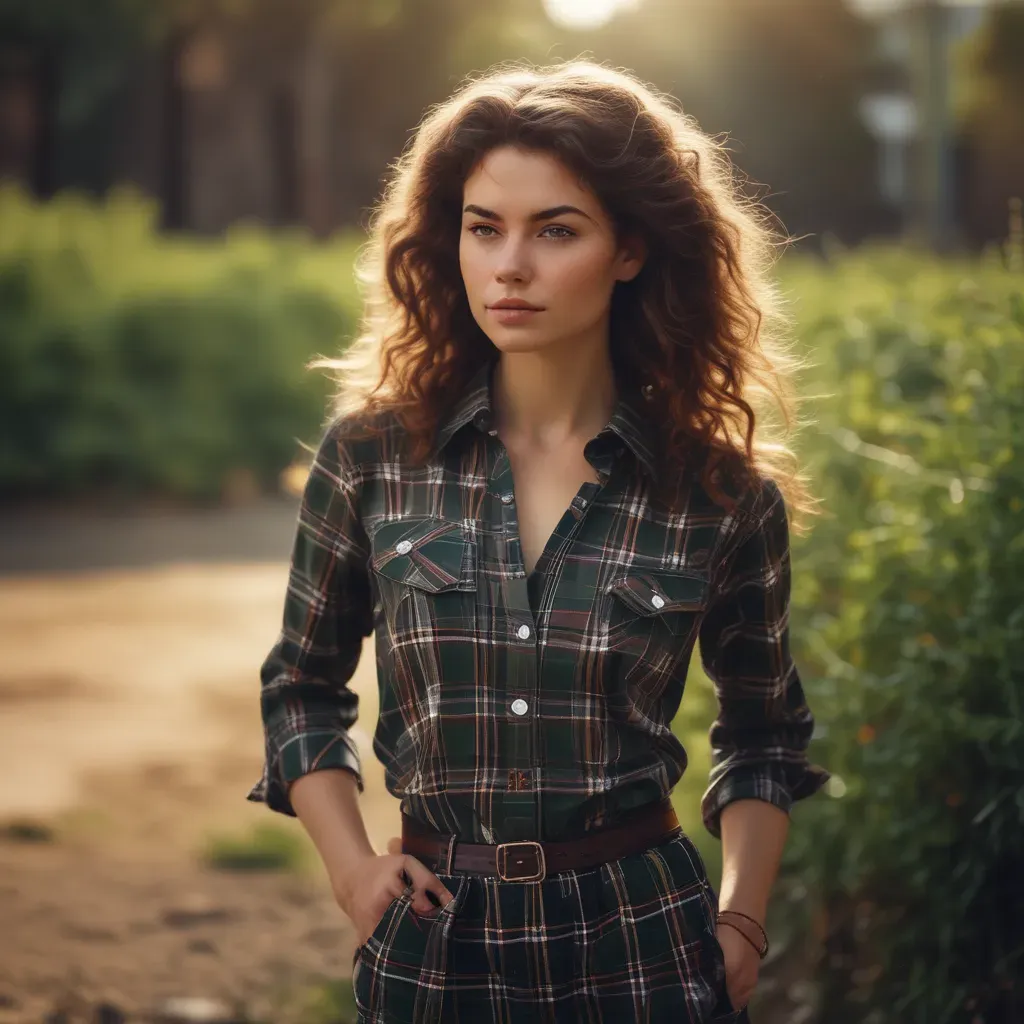
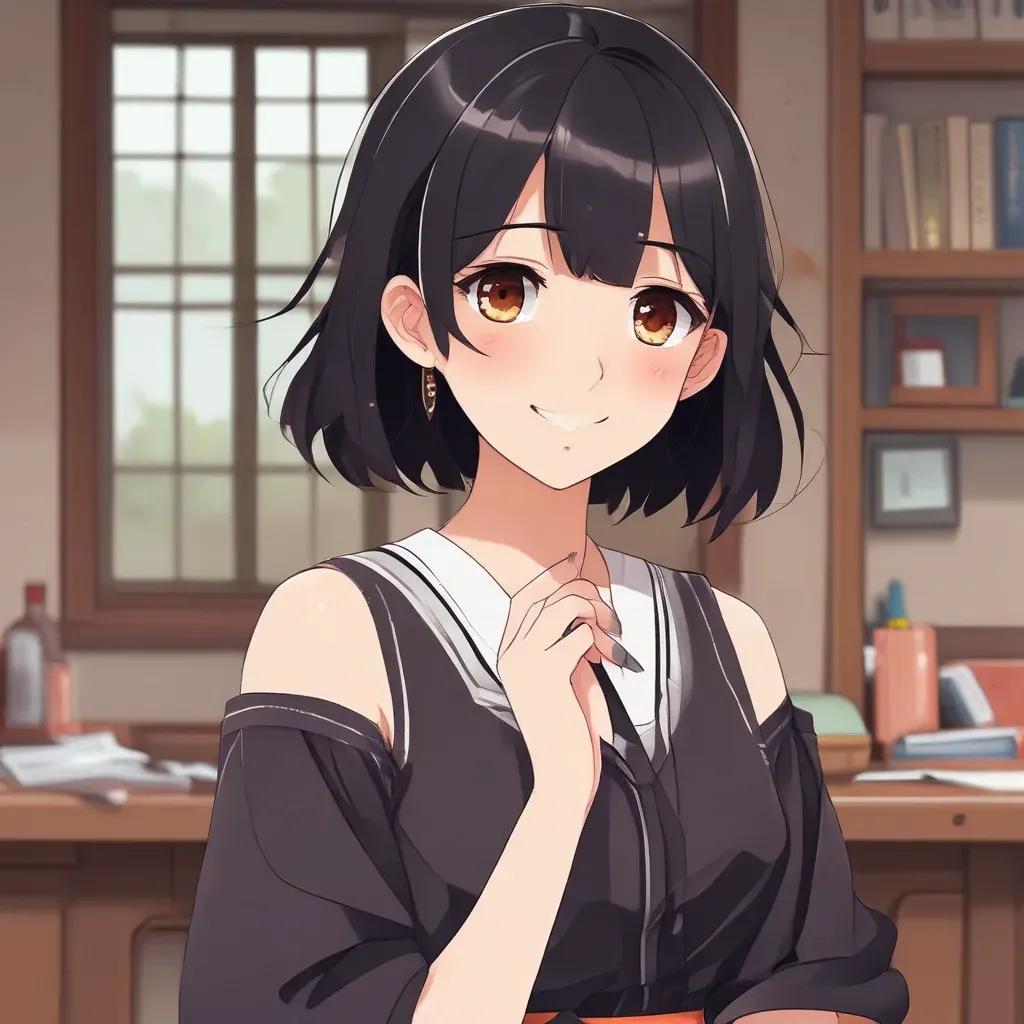
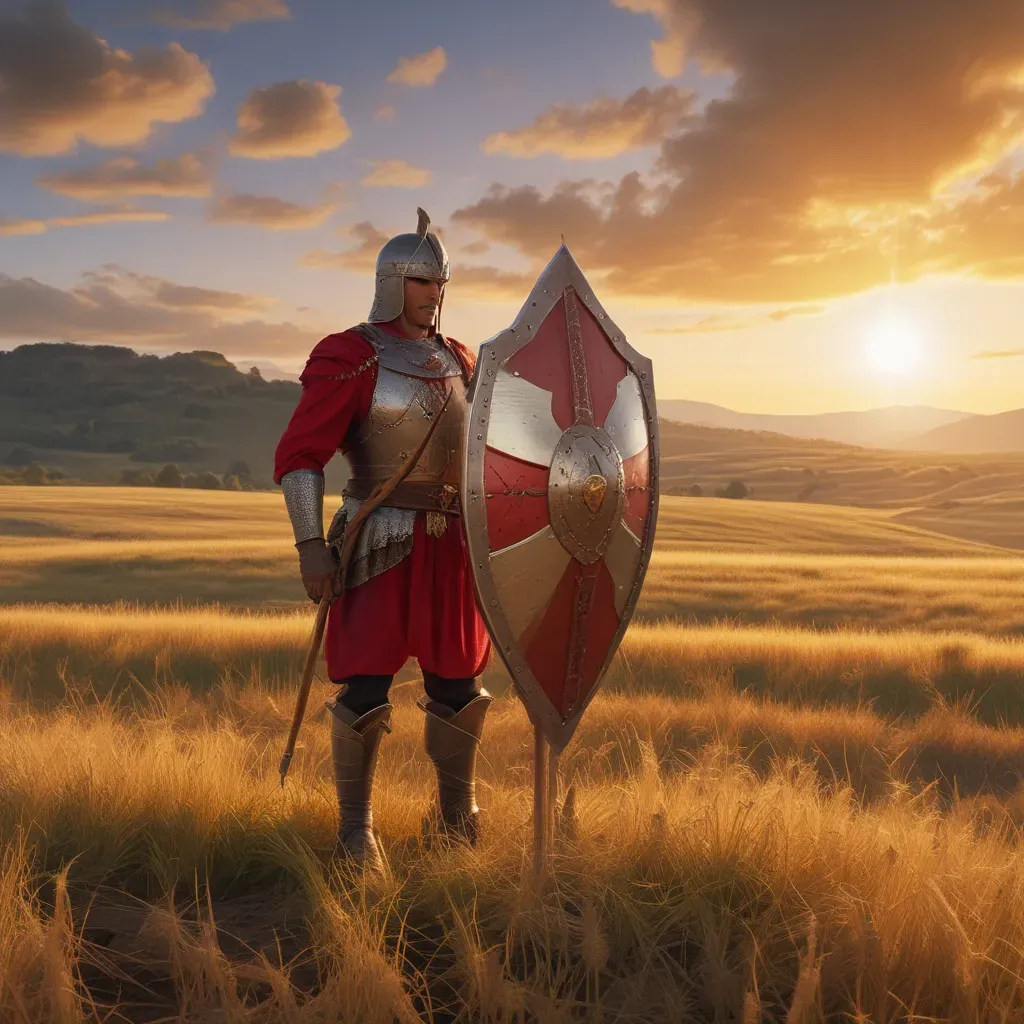
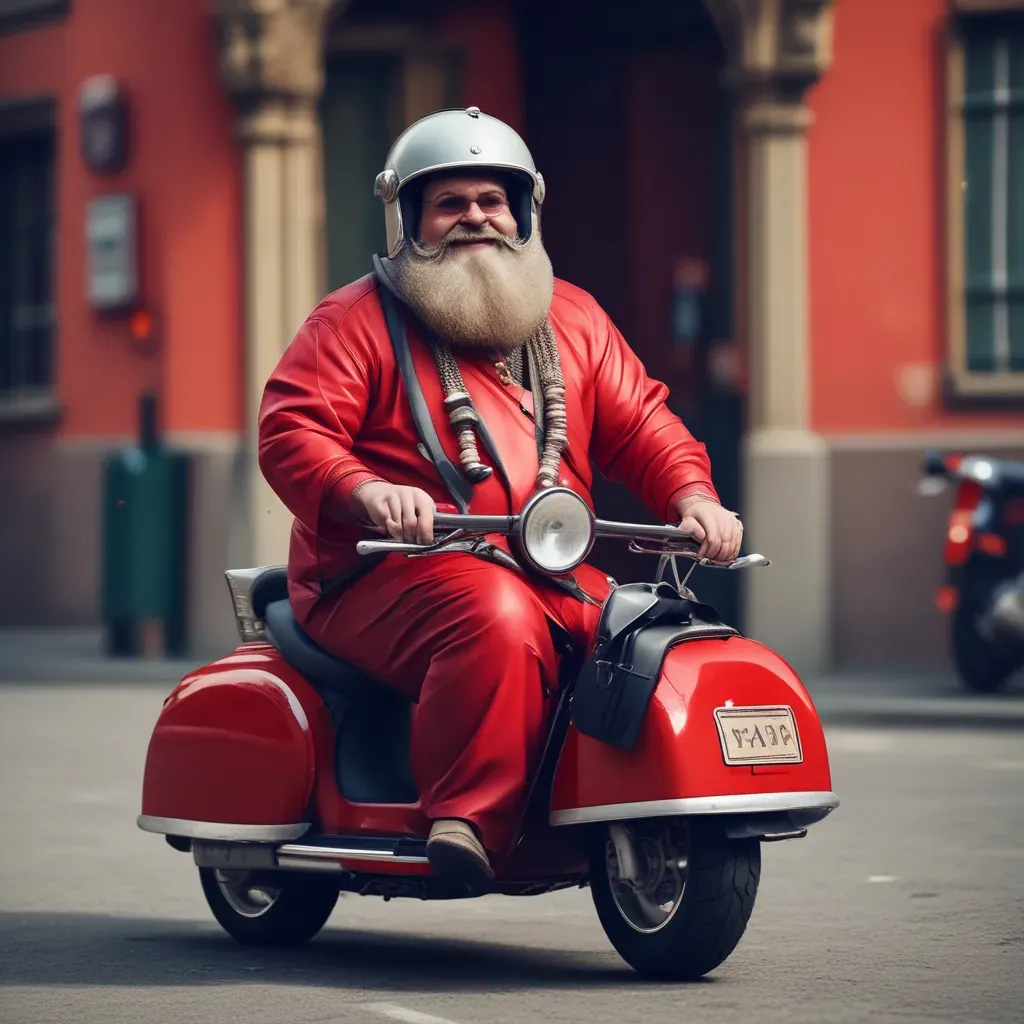
Challenges with stable diffusion
A Breakdown of Stable Diffusion Versions
Each new version of Stable Diffusion brings improvements, with tweaks aimed at enhancing image quality, handling complexity better, and improving speed. Below is a breakdown of the key differences between the most popular versions: 1.4, 1.5, 2.1, and XL.
1. Stable Diffusion 1.4
- Overview: This was one of the first versions released to the public and remains widely used due to its balance of speed and quality.
- Strengths: Good at generating photorealistic images, particularly landscapes and objects. It handles general prompts well and runs efficiently on consumer-grade hardware.
- Challenges: Struggles with more complex, multi-object scenes and abstract prompts.
- Use Case: Ideal for users looking to create simple, photorealistic images quickly without requiring high-end hardware.
2. Stable Diffusion 1.5
- Overview: An updated version that improves on the image quality of 1.4. It includes a larger training dataset and better handling of complex text inputs.
- Strengths: Generates sharper and more detailed images compared to 1.4, with improved textures and lighting effects.
- Challenges: Still struggles with abstract prompts and maintaining logical object arrangements in complex scenes.
- Use Case: Best suited for users looking for a slight boost in image quality without significant increases in computational requirements.
3. Stable Diffusion 2.1
- Overview: Stable Diffusion 2.1 represents a more significant update, with enhanced image quality, better understanding of complex prompts, and improved handling of abstract or surreal descriptions.
- Strengths: Much better at interpreting and generating images from intricate or imaginative prompts. It can handle more complex scenes with multiple objects and relationships.
- Challenges: Occasionally struggles with rendering human anatomy correctly, especially in more specific or detailed prompts.
- Use Case: Ideal for creating more complex and artistic visuals, particularly in areas like concept art or fantasy illustrations.
4. Stable Diffusion XL
- Overview: The XL version is the most advanced, offering large-scale image generation with a focus on photorealism and high-resolution outputs.
- Strengths: Capable of generating highly detailed, professional-grade images. It excels at producing large-scale visuals for commercial or professional projects.
- Challenges: Requires more powerful hardware due to the model’s size and complexity.
- Use Case: Best for high-end users, such as digital artists or designers working on large, high-resolution projects that require maximum detail and realism.
Practical Uses of Stable Diffusion
The versatility of Stable Diffusion opens up a wide range of practical applications across various industries.
Want to try Stable diffusion? Please refer to below post
 SOTAAZ
1. Digital Art and Design
Artists and designers can use Stable Diffusion to generate concepts, explore different styles, and quickly create visual assets. This is particularly useful in the early stages of design, where multiple iterations are needed to arrive at the final look.
2. Marketing and Advertising
For marketers, Stable Diffusion offers a fast and cost-effective way to create personalized visuals for campaigns. By entering specific prompts that match the tone and messaging of an ad, marketers can generate images tailored to their target audience.
3. Game Development and Concept Art
In the gaming and film industries, Stable Diffusion is an excellent tool for generating concept art. Whether it’s designing characters, environments, or props, the AI can produce a wide range of visuals based on the creative team’s vision.
4. Educational Materials
Educators and researchers can use Stable Diffusion to create diagrams, illustrations, and visual aids for teaching or presentations. It can simplify the process of generating custom educational materials based on specific topics.
5. Prototyping and Product Design
For product designers, Stable Diffusion provides a quick way to visualize concepts. From consumer electronics to fashion items, designers can input prompts describing the features of their product and receive an initial visual to guide the design process.
Conclusion: Stable Diffusion's Strengths and Ongoing Evolution
Stable Diffusion is a powerful and versatile tool that continues to evolve with each version. From the early 1.4 and 1.5 versions to the more advanced 2.1 and XL versions, this model has shown incredible potential for generating high-quality images from simple text inputs. Its strengths in creating photorealistic images, artistic compositions, and abstract visuals make it a go-to tool for creative professionals and hobbyists alike.